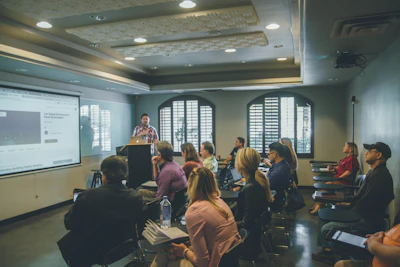
Technology equipment in an educational setting

Scottish Support · Lending Library

Borrow specialist assistive listening technology

The SSC Lending Library provides education authorities across Scotland with short-term loan access to specialist, professionally verified assistive listening equipment.

View Equipment How to Borrow
All equipment is assessed and recommended by the SSC Educational Audiologist — ensuring the right device reaches the right learner. Loans are available to education authorities across Scotland, typically for 6-week periods.

How It Works

Borrowing in four simple steps

1

Discuss your needs

Contact the SSC to discuss the learner's requirements with the SSC Educational Audiologist, who will advise on the most suitable equipment.

2

Book through the SSC Library

All bookings are made through the SSC Library. The Educational Audiologist must approve the request before equipment is reserved.

3

Receive and use

Equipment is posted to an agreed educational building address. The approved borrower takes responsibility for safe use throughout the loan period.

4

Return safely

Return via Royal Mail Special Delivery or a tracked insured courier to the SSC. Equipment must be confirmed as received before the loan is closed.

Available Equipment

What's in the library

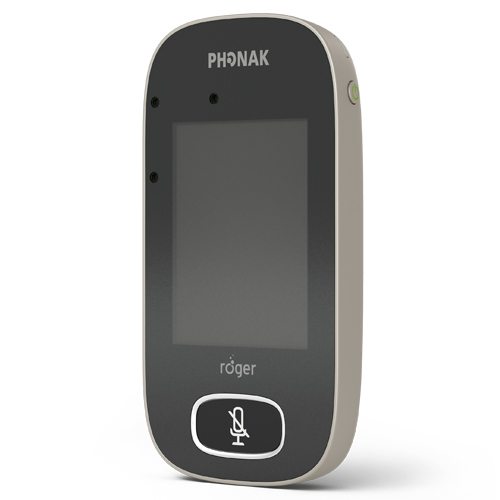
Phonak Roger Touchscreen V3 Unlimited
Transmitter

Phonak Roger Touchscreen V3 Unlimited

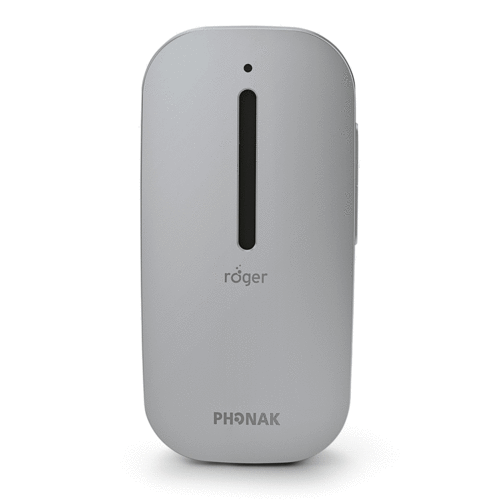
Adaptive wireless classroom microphone that automatically adjusts to different speaking situations — ideal for teacher use with one-touch operation and clear visual feedback.

ClassroomTeacher UseAdaptive
Phonak Roger On V3 Unlimited
Transmitter

Phonak Roger On V3 Unlimited

Versatile wireless microphone that automatically selects the best mode for the situation — ideal for one-to-one support and small group settings in challenging listening environments.

1:1 SupportSmall GroupMultimode
Phonak Roger Table Mic 3 Bundle
Transmitter

Phonak Roger Table Mic 3 Unlimited (Bundle)

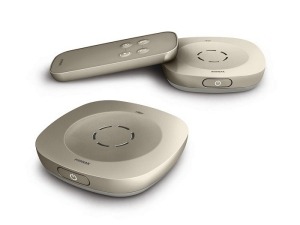
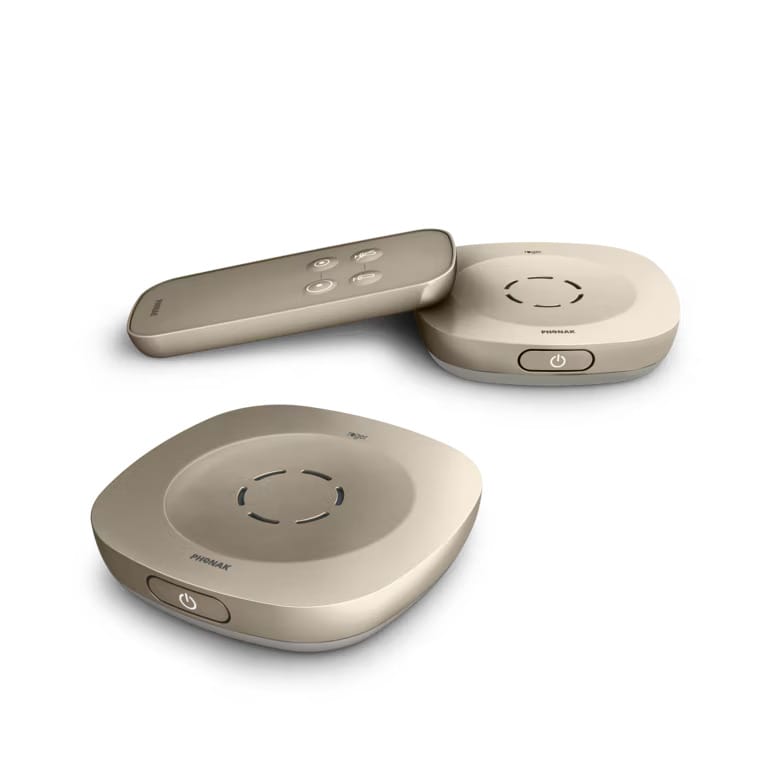
Twin-unit MultiBeam microphone system for group discussions and larger meeting spaces — helps hearing aid and cochlear implant users follow multiple speakers with ease.

Group DiscussionMeetingsMultiBeam
Phonak Roger Table Mic 3 Single
Transmitter

Phonak Roger Table Mic 3 Unlimited (Single)

Smart single-unit table microphone using MultiBeam Technology to focus on the active speaker — suitable for tutorials, seminars, and small group meetings.

TutorialSeminarMultiBeam
Phonak Roger Select
Transmitter

Phonak Roger Select

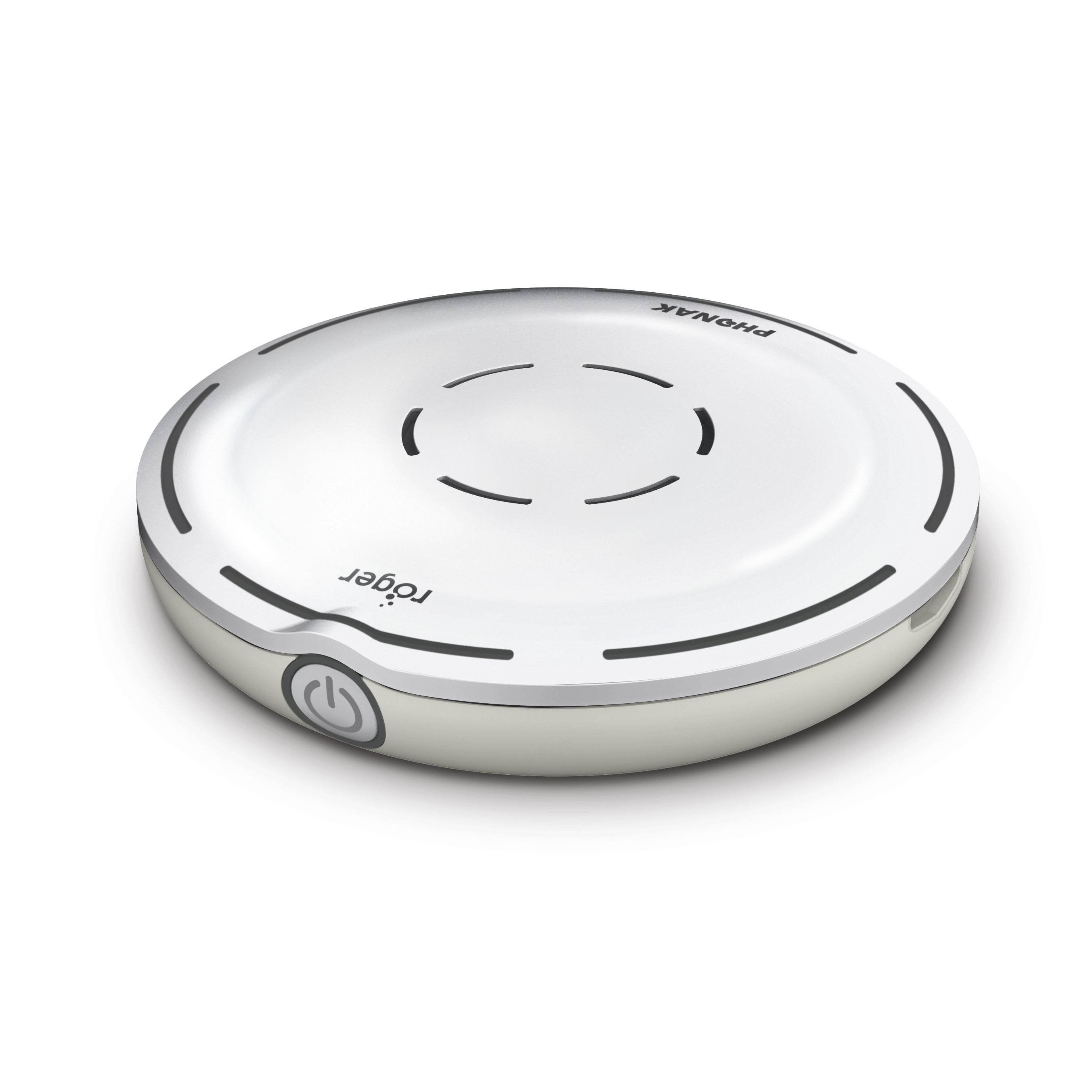
Versatile table microphone with 360° MultiBeam technology that automatically selects the person talking and switches seamlessly between speakers — ideal for group conversations and meetings. Can also stream audio from multimedia devices via Bluetooth.

Table Mic360° MultiBeamBluetooth
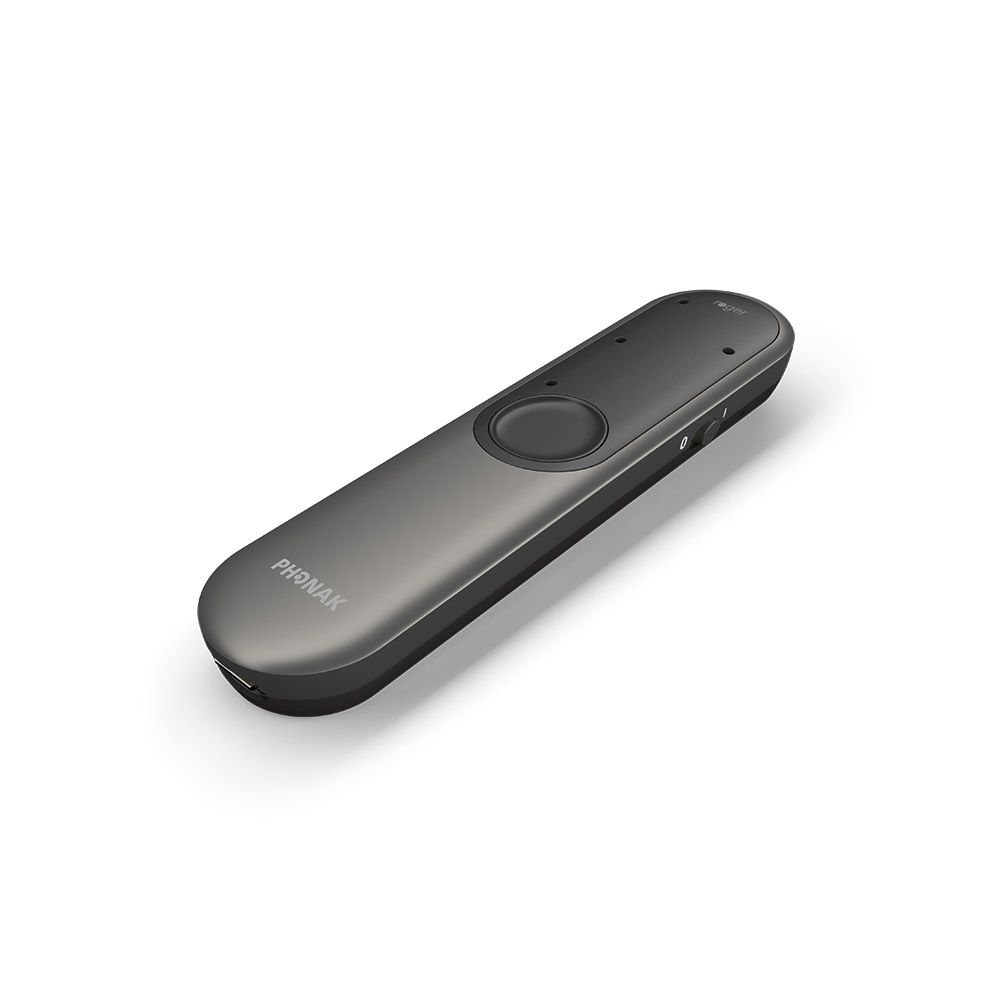
Phonak Roger Pass-around Microphone
Transmitter

Phonak Roger Pass-around Microphone

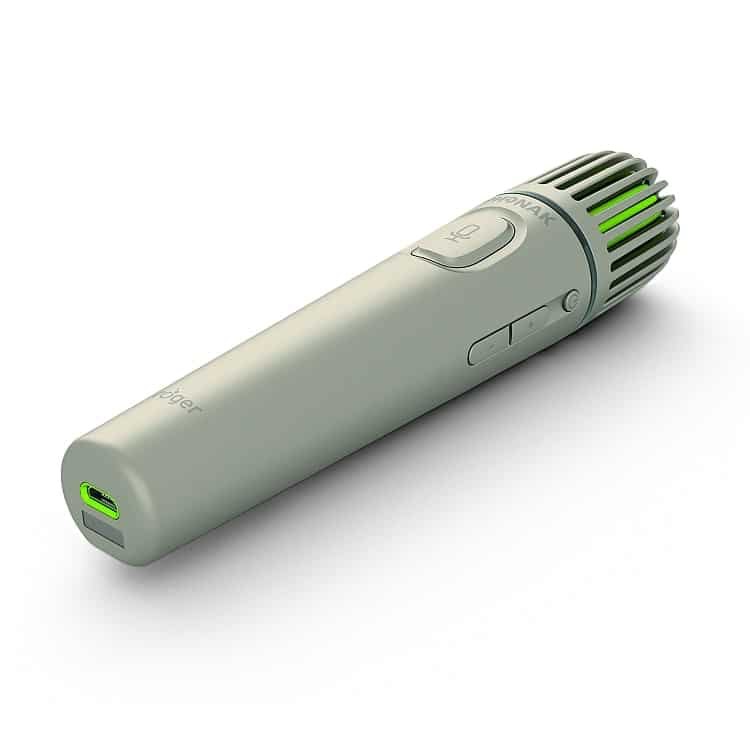
Handheld microphone passed between students during classroom discussions, debates, and Q&A sessions. Works with the Roger Touchscreen Mic so that hearing aid and cochlear implant users hear both teacher and peer contributions clearly.

ClassroomGroup DiscussionPeer Access
Phonak Roger Clip-On Mic
Transmitter

Phonak Roger Clip-On Mic

Small, discreet microphone clipped to clothing — designed for one-to-one conversations in noisy environments and over distance. Directional microphone automatically adjusts to noise levels. Can also connect to multimedia devices via audio input.

1:1 ConversationsClip-onDiscreet
Phonak Roger Multimedia Hub
Transmitter

Phonak Roger Multimedia Hub

Versatile classroom audio connector transmitting sound from any audio device — laptop, TV, or interactive whiteboard — directly to students' Roger receivers. Connects into the Roger network alongside teacher microphones.

WhiteboardLaptop / TVAudio Connector
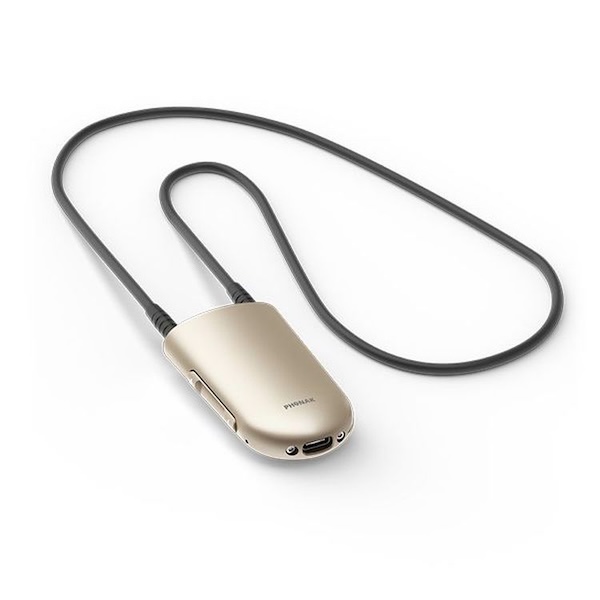
Phonak Roger Neckloop Receiver
Receiver

Phonak Roger Neckloop (02) Receiver

Lightweight receiver worn around the neck that connects wirelessly to any Roger microphone system, delivering digital audio to hearing aids via the telecoil — no audio shoe needed.

TelecoilUniversalHearing Aid
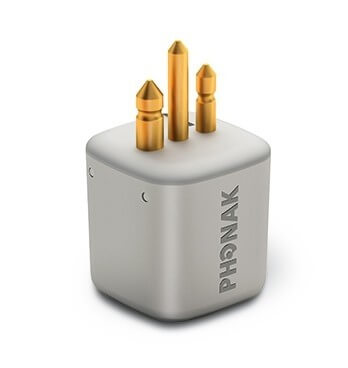
Phonak Roger X Receiver
Receiver

Phonak Roger X (02) Receiver

Small ear-level receiver that attaches directly to behind-the-ear hearing aids, connecting with any Roger microphone to deliver clear speech at distance and in noise.

Ear-levelBTE CompatibleHearing Aid
Phonak Roger 20 Receiver
Receiver

Phonak Roger 20 Integrated Receiver (02)

Ultra-compact wireless receiver integrating directly into Cochlear Nucleus 7 (CP1000) and Nucleus 8 audio processors for seamless access in educational settings.

Cochlear ImplantNucleus 7 & 8Integrated
Phonak Roger 17 Receiver
Receiver

Phonak Roger 17 Integrated Receiver (02)

Compact wireless receiver designed specifically for Advanced Bionics Naida CI Q70 and Naida CI processors, providing direct Roger connectivity for cochlear implant users.

Cochlear ImplantAdvanced BionicsIntegrated
Phonak Roger 21 Receiver
Receiver

Phonak Roger 21 Integrated Receiver (02)

Compact wireless receiver designed specifically for MED-EL Sonnet cochlear implant audio processors. Delivers industry-leading speech-in-noise performance directly to the processor — compatible with the full range of Roger microphones.

Cochlear ImplantMED-EL SonnetIntegrated
Phonak Roger Touchscreen V3 Auditorium Bundle
Building Access

Phonak Roger Touchscreen V3 – Auditorium Bundle

Multifunction wireless transmitter providing unlimited coverage across auditoriums and lecture halls — broadcasts directly to all hearing aid and cochlear implant users in the space.

Lecture HallAuditoriumMulti-user
Phonak Roger Table Mic 3 Building Bundle
Building Access

Phonak Roger Table Mic 3 – Building Bundle

Pass-around and table microphone system for interactive sessions in seminar rooms and lecture spaces, allowing all participants to contribute and be heard clearly.

Interactive SessionsSeminar RoomsPass-around
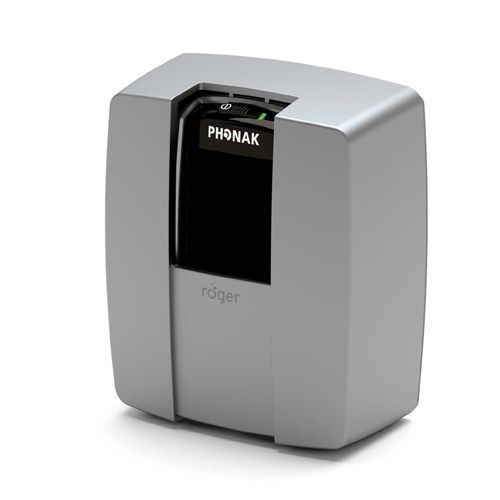
Phonak Roger Base Station
Building Access

Phonak Roger Base Station

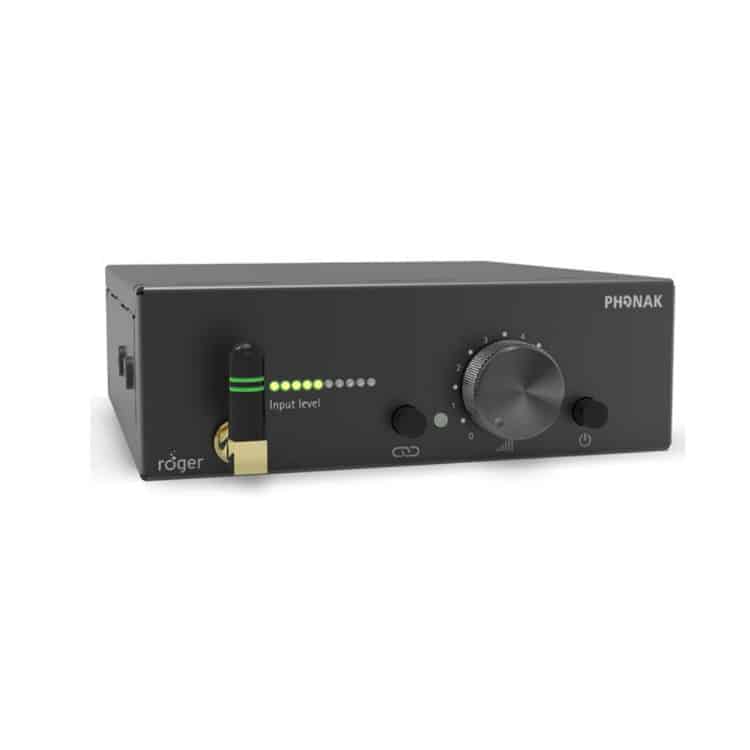
Stationary wireless transmitter that connects to existing professional audio systems and broadcasts high-quality speech signals to all Roger receivers in the space — ideal for lecture halls, theatres, conference centres, and large teaching rooms.

Lecture HallFixed InstallPro Audio
Phonak Roger Repeater
Building Access

Phonak Roger Repeater

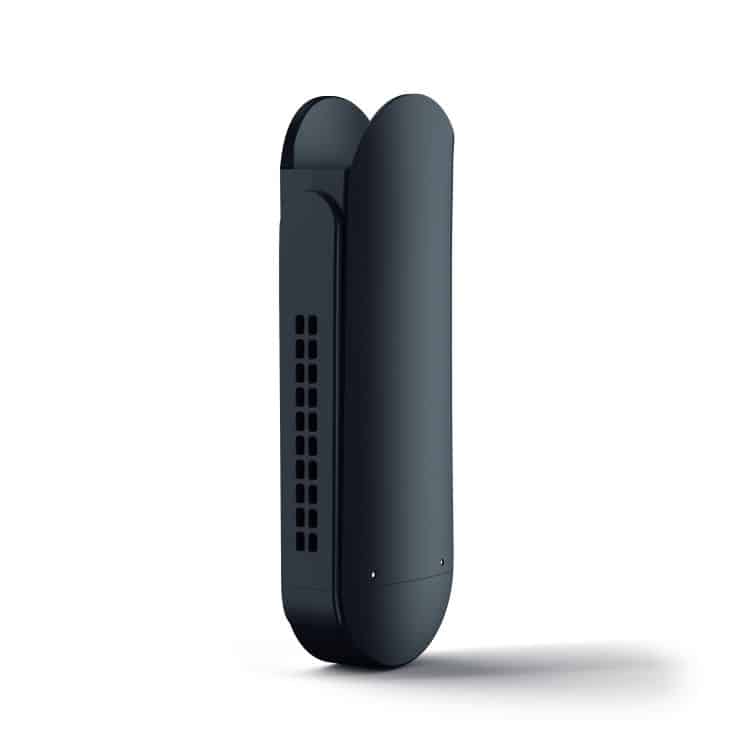
Extends the wireless range of the Roger system to cover large rooms, sports halls, gyms, and multi-zone buildings. Multiple Repeaters can be added to ensure no space is too large — compatible with DigiMaster 5000, 7000, and WallPilot.

Range ExtensionLarge SpacesSports Hall
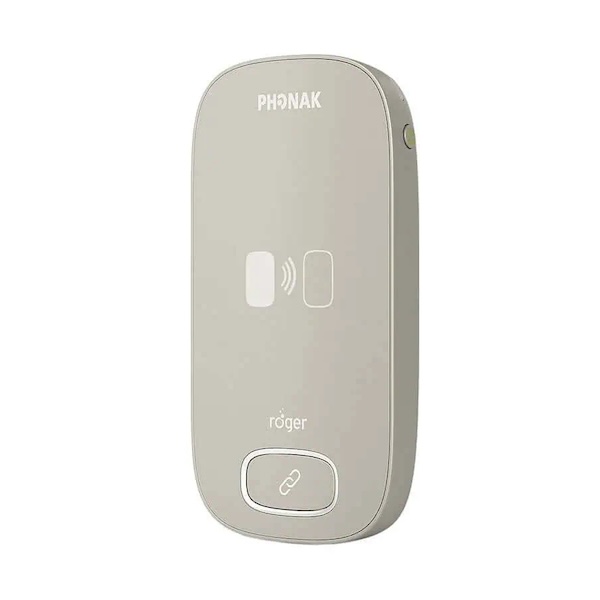
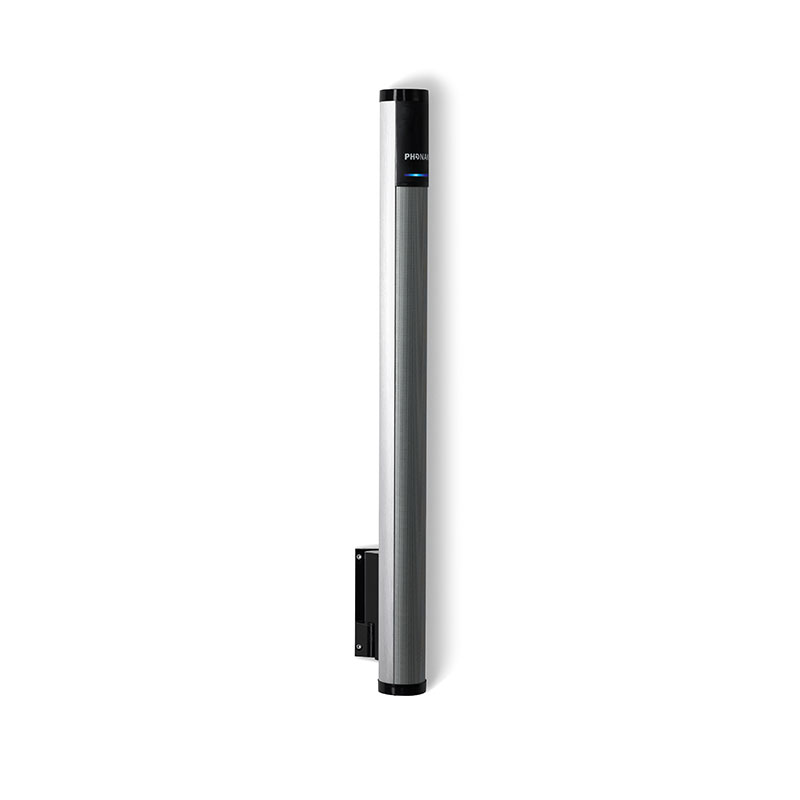
Phonak Roger Wall Pilot
Building Access

Phonak Roger Wall Pilot

Wall-mounted device that automatically connects students' Roger receivers to the classroom's MultiTalker Network as they walk into the room — no manual setup required, giving instant seamless access as soon as the learner enters.

Auto-connectWall-mountedMultiTalker
Phonak Roger DigiMaster 5000 V2
Building Access

Phonak Roger DigiMaster 5000 V2

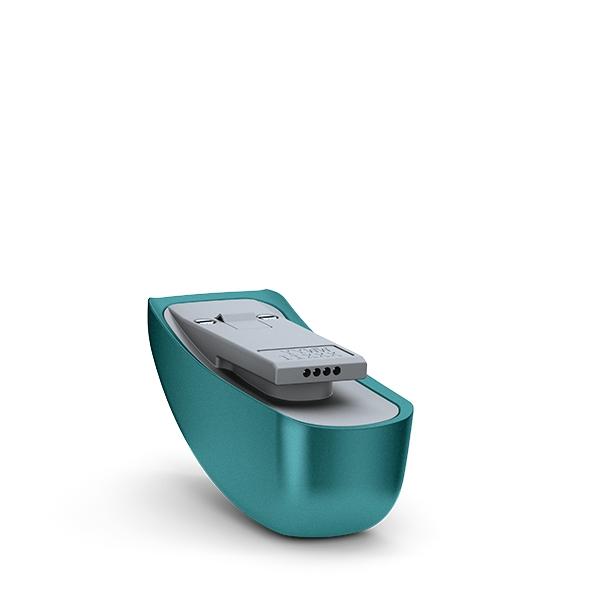
Portable SoundField loudspeaker that distributes the teacher's voice evenly throughout rooms up to 100m² / 100 listeners. Connects to a Roger Touchscreen Mic 3 transmitter and simultaneously serves both the room and individual hearing device users.

Up to 100m²SoundFieldPortable
Phonak Roger DigiMaster 7000
Building Access

Phonak Roger DigiMaster 7000

Dual-loudspeaker SoundField system for larger classrooms, lecture halls, and auditoriums — covers rooms up to 300m² / 300 listeners. Features built-in Bluetooth and 15 high-quality mini speakers per unit for superior sound distribution.

Up to 300m²AuditoriumBluetooth
Phonak Roger Neckloop Building Use
Building Access

Phonak Roger Neckloop – Building Use

Universal receiver worn around the neck for use within building-wide Roger systems. Works with any hearing aid or cochlear implant with a telecoil — allows learners to connect to installed systems without an audio shoe or hardware modification.

TelecoilUniversalNo Modification
Phonak Roger X Building Use
Building Access

Phonak Roger X (02) – Building Use

Ear-level receiver that attaches directly to behind-the-ear hearing aids, connecting students to installed building Roger systems. Fully automatic — no buttons to press, no settings to adjust once connected to the MultiTalker Network.

Ear-levelAuto-connectBTE Compatible
Phonak Roger Touchscreen V3 Student Kit
Transition Device

Phonak Roger Touchscreen V3 – Student Kit

Primary transmitter option for students transitioning between educational settings. Compatible with the pass-around microphone for full participation in group and tutorial sessions.

Transmitter Option 1Pass-around CompatibleTransition
Roger On student kit
Transition Device

Phonak Roger On V3 – Student Kit

Second transmitter option with point function — ideal for students moving to further or higher education where the Roger Table Microphone is in use in larger spaces.

Transmitter Option 2Table Mic CompatibleHE Transition
Phonak Roger Table Mic 3 Student Bundle
Transition Device

Phonak Roger Table Mic 3 – Student Bundle

Allows students to participate fully in larger meetings, seminars, and lectures. Enables cochlear implant users to access communication at distance and in noise during transition.

Larger SpacesCI CompatibleTransition
Phonak Roger Neckloop Student Use
Transition Device

Phonak Roger Neckloop – Student Use

Provides speech-to-text compatibility for students using remote captioning services in further and higher education. Works via telecoil with any hearing aid during lectures.

Speech-to-TextTelecoilCaptioning
Phonak Roger Pass-around Mic Student Use
Transition Device

Phonak Roger Pass-around Mic – Student Use

Handheld pass-around microphone for tutorial and group sessions during transition to further or higher education. Works with the Roger Touchscreen and Roger On transmitters to ensure students hear all participants in interactive sessions.

Group SessionsTutorialFE / HE
Phonak Roger Clip-On Mic Student Use
Transition Device

Phonak Roger Clip-On Mic – Student Use

Compact clip-on microphone worn by a lecturer or support worker — ideal for one-to-one and small group support during transition. Directional microphone automatically adjusts, keeping speech clear during informal conversations and tutorials.

Clip-on1:1 SupportTransition
Phonak Roger X Transition
Transition Device

Phonak Roger X (02) Receiver – Student Use

Ear-level receiver for students transitioning to further or higher education — attaches directly to behind-the-ear hearing aids and connects automatically to any Roger microphone in the classroom or lecture hall without manual adjustment.

Ear-levelAuto-connectHearing Aid
Phonak Roger 20 Transition
Transition Device

Phonak Roger 20 Receiver – Student Use

Integrated receiver for Cochlear Nucleus 7 and Nucleus 8 users transitioning to further or higher education. Fits between the processor and battery pack for a clean, wire-free connection to lecture room Roger systems.

Nucleus 7 & 8CI IntegratedTransition
Phonak Roger 17 Transition
Transition Device

Phonak Roger 17 Receiver – Student Use

Integrated receiver for Advanced Bionics Naida CI Q70 and Naida CI processor users moving to further or higher education. Provides direct Roger wireless connectivity without any external housing or cabling.

Advanced BionicsCI IntegratedTransition
Phonak Roger 21 Transition
Transition Device

Phonak Roger 21 Receiver – Student Use

Integrated receiver for MED-EL Sonnet cochlear implant users transitioning to further or higher education. Delivers industry-leading speech-in-noise performance directly to the processor — compatible with all Roger classroom microphones.

MED-EL SonnetCI IntegratedTransition
Phonak Roger Multimedia Hub
Accessory

Phonak Roger Multi Media Hub

Versatile classroom audio connector linking any audio device — laptop, TV, or interactive whiteboard — directly to students' Roger receivers for full access to all media.

WhiteboardLaptop / TVAudio Connector
Phonak Roger Wall Pilot
Accessory

Phonak Roger Wall Pilot

Wall-mounted device that automatically connects students' Roger receivers to the classroom's MultiTalker Network as they walk through the door — no manual setup required.

Auto-connectWall-mountedMultiTalker
Digimaster Wall Bracket
Accessory

Digimaster Wall Bracket

Purpose-engineered mounting bracket for permanent wall installation of Phonak Roger DigiMaster 5000 and DigiMaster 7000 loudspeakers in classrooms and lecture rooms.

DigiMasterPermanent InstallWall Mount
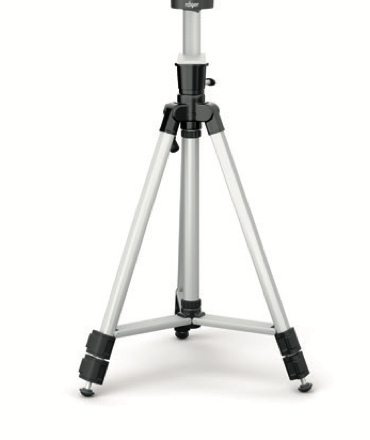
Phonak Roger DigiMaster 5000 Tripod Stand
Accessory

Phonak Roger DigiMaster 5000 Tripod Stand

Portable tripod floor stand for the Phonak DigiMaster 5000V2 classroom loudspeaker — ideal for temporary or flexible room setups where wall mounting is not possible.

PortableDigiMaster 5000Flexible Setup
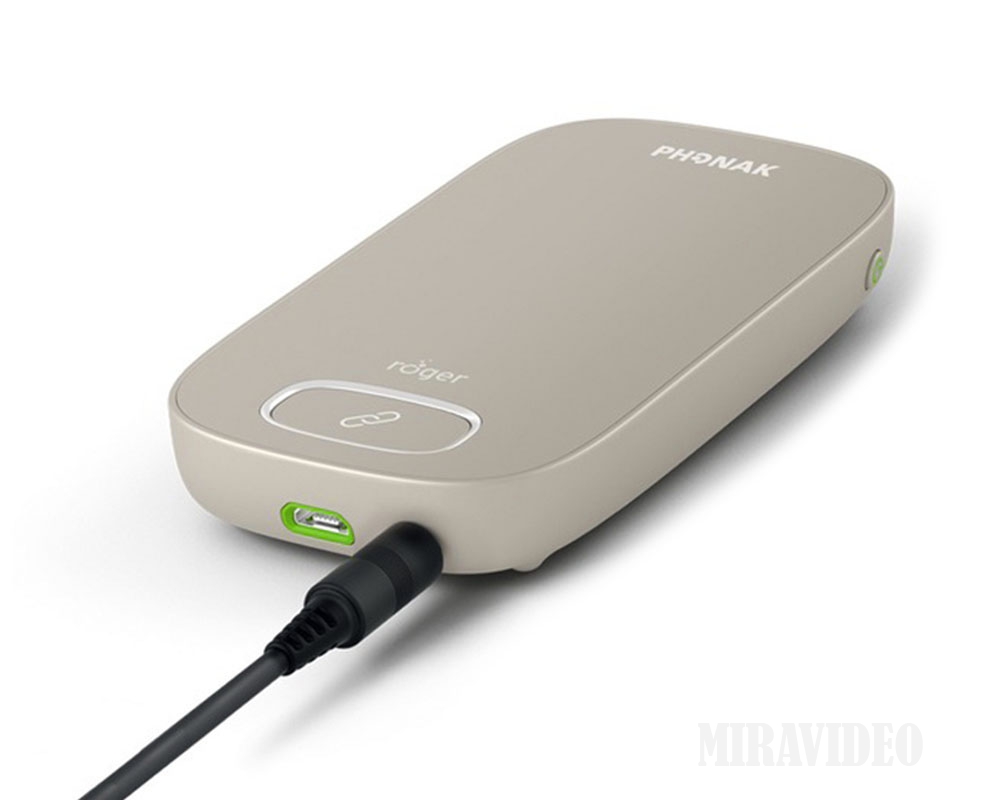
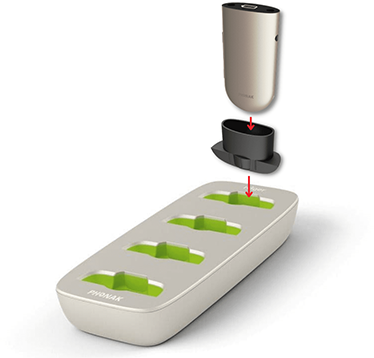
Phonak Roger Charging Rack
Accessory

Phonak Roger Charging Rack

Charges up to four Roger education devices simultaneously — Touchscreen Mic, Multimedia Hub, Pass-around Mics, and Repeaters. NeckLoops can also be charged with the optional USB adaptor. Ideal for overnight charging to keep equipment ready for the next school day.

4-device ChargingClassroomOvernight
Phonak Roger Neckloop Accessory
Accessory

Phonak Roger Neckloop (02) Receiver

Universal receiver for any hearing aid or cochlear implant with a telecoil. Lightweight, no programming required, 10-hour battery life. Can be worn visibly or discreetly under clothing — also supports speech-to-text captioning connectivity.

TelecoilAny Brand HA10hr Battery
Phonak Roger X Accessory
Accessory

Phonak Roger X (02) Receiver

Miniature ear-level receiver connecting to the direct audio shoe of behind-the-ear hearing aids. Fully automatic once attached — compatible with virtually every hearing aid and cochlear implant on the market and all Roger microphone systems.

Ear-levelUniversalAuto-connect

Equipment availability varies. All loans are subject to approval by the SSC Educational Audiologist and confirmed availability at time of booking. Contact the SSC Library to check current availability.

Teacher working with a young student in a Scottish school

Eligibility — Schools & Education Authorities

Who can borrow for school-age learners?

Loans for school-age children are available to education authorities across Scotland. All three of the following must apply:

Individual families, pupils, or non-approved staff are not eligible to borrow directly from the SSC.

Enquire About a Loan
University lecture hall with students

Eligibility — Universities & Colleges

Who can borrow for further and higher education?

Loans supporting students in further and higher education are available to institutions where one of the following applies:

All university and college loans are subject to the same Terms and Conditions and must be approved in advance by the SSC Educational Audiologist.

Enquire About a Loan

Key Conditions of Loan

What borrowers need to know

📅

Loan Period

Loans are typically agreed for 6 weeks on a case-by-case basis. Extensions are not automatic and must be agreed in advance with the SSC. Late returns may affect future borrowing.

📦

Delivery & Return

Equipment is posted to an agreed educational building address — not a home address. Returns must be made via Royal Mail Special Delivery or a tracked, insured courier service.

🔒

Care & Responsibility

The borrower is responsible for safe keeping throughout the loan. Any loss, theft, or damage must be reported to the SSC immediately. The institution may be required to cover replacement costs.

🏫

Educational Use Only

Equipment must remain within an educational building and be used only for educational purposes. It must not be taken to a student's home or transferred to another service without SSC approval.

🛑

Improper Use

Misuse of equipment may result in immediate withdrawal of the loan. The SSC reserves the right to suspend or refuse future loans to institutions that do not comply with these conditions.

📋

Full Terms & Conditions

By requesting equipment, borrowers and their institution confirm they have read and agreed to the full Terms and Conditions of Loan. Download the full document below.

Ready to borrow?

Download the full Terms and Conditions of Loan, then get in touch with the SSC Library to discuss availability and begin the booking process.

⬇ Download Terms & Conditions (PDF) ✉ Contact the SSC Library